NEW PRODUCT! Discover the KSI-2400 with PresenceLock™ Human Presence Detection
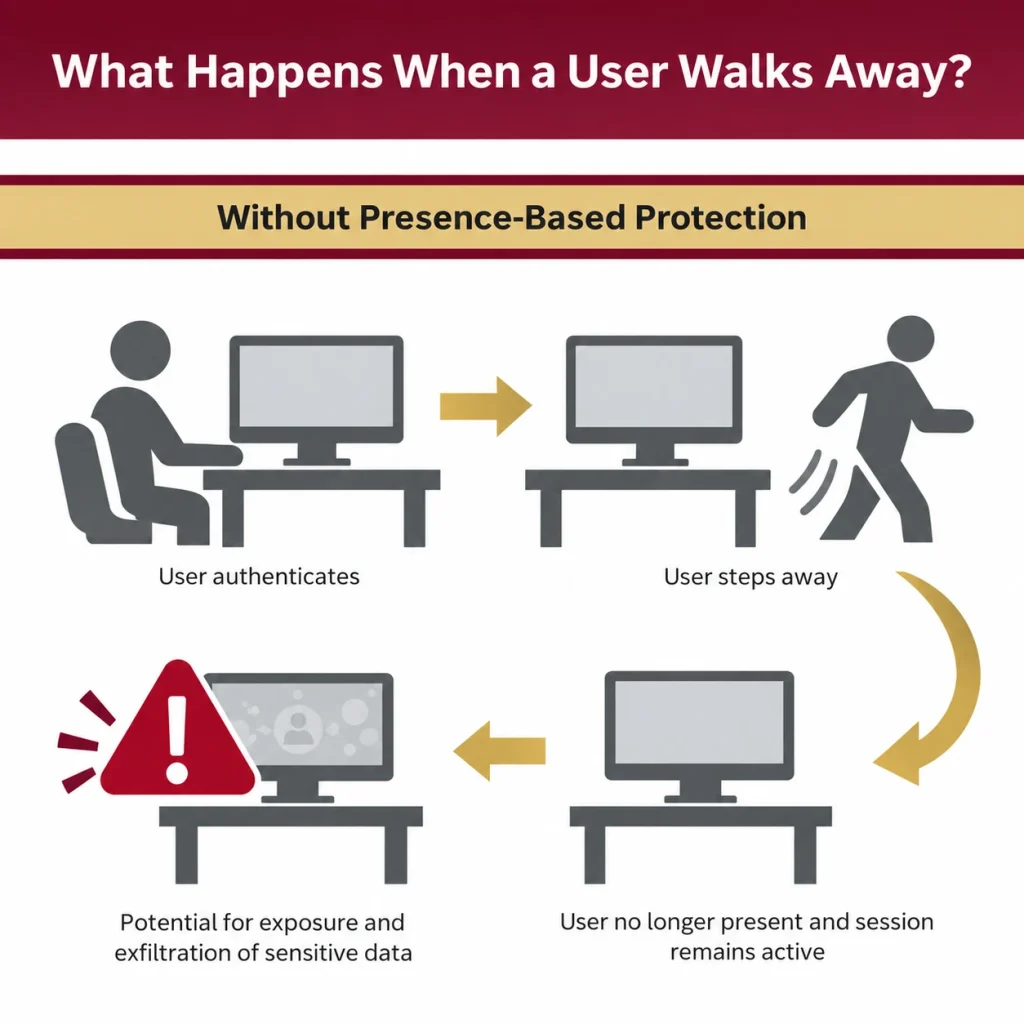
Even workstations protected with user authentication can become vulnerable when they walk away without locking their computer or logging off. Numerous studies have found that a large percentage of workers leave their office PCs active and unlocked during work hours or after leaving for the day, presenting a significant challenge for organizations to overcome.
Users don’t always remember to lock workstations.
Multiple users access the same devices.
Workstation security may be overlooked during busy workflows.
Organizations seek stronger controls around workstation access.
Manual lock-and-unlock processes can interrupt productivity.
Workers get distracted by everyday interruptions.
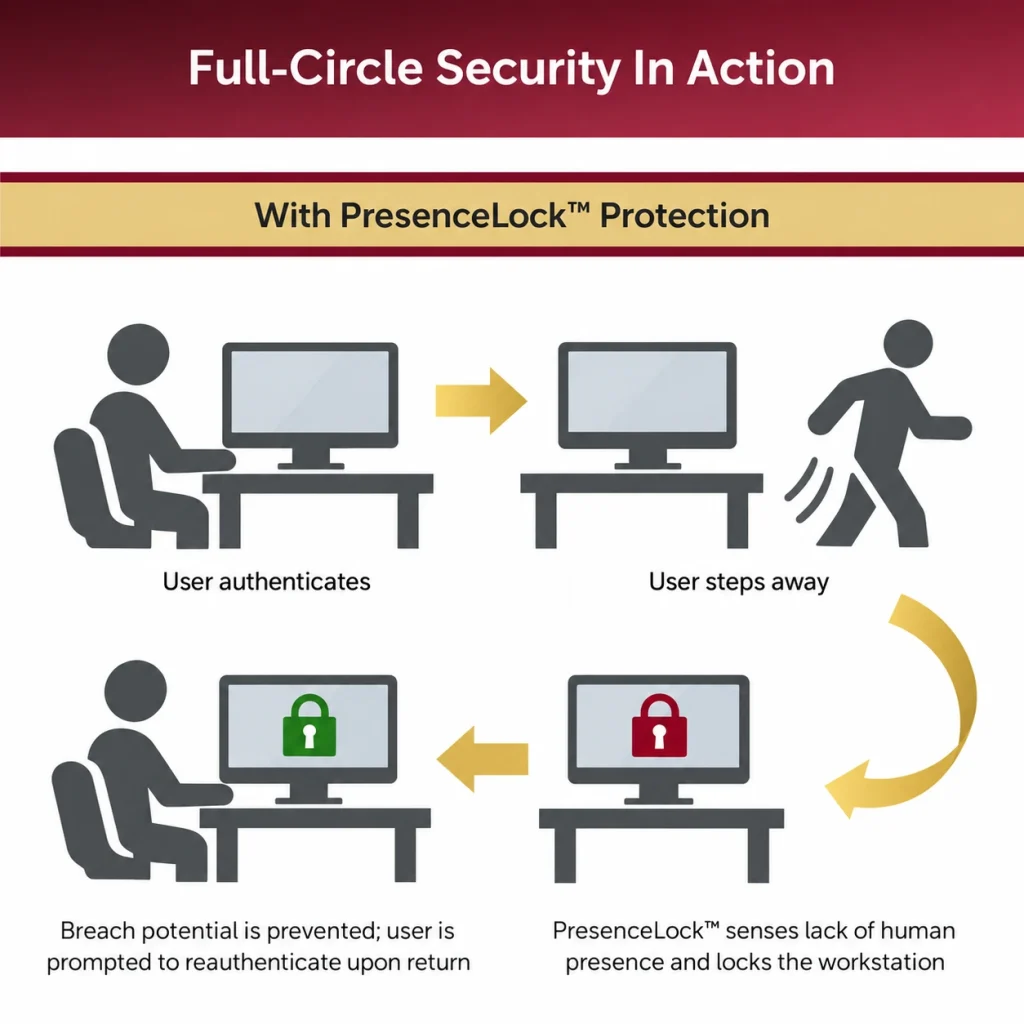
PresenceLock helps address this challenge through human presence detection.
Authentication Protects Access. PresenceLock Protects the Active Session.
Without human presence detection user walks away session remains active risk remains
With human presence detection user walks away presence no longer detected session is secured
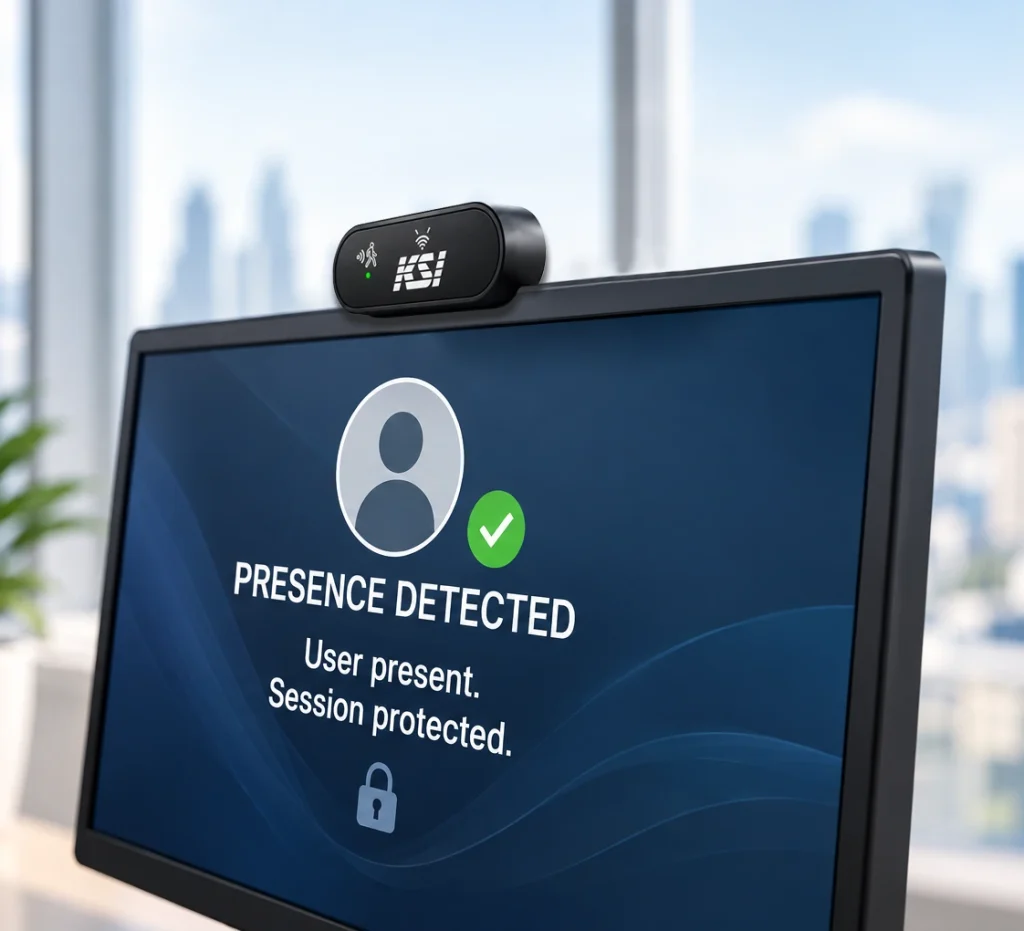
Unlike timer-based security solutions that rely solely on inactivity, PresenceLock uses human presence detection technology to determine whether a user remains at the workstation.
Protect access to patient information.
Secure operator workstations.
Protect access to sensitive financial systems.
Safeguard sensitive government systems and documents.
Protect faculty, staff access and student records.
Safeguard access to proprietary corporate information.
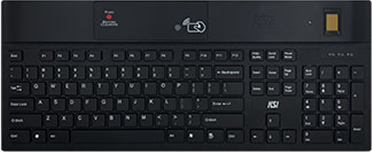
PresenceLock™ locks a PC within seconds of a user’s departure from their workstation. This rapid response ensures that data remains secure at all times, mitigating the risk of unauthorized access at vacant desktops. Should the keyboard be disconnected from the workstation, the user’s PC will lock.
Whether it’s proximity, biometrics, mobile, hands-free OTP, or passkeys, the KSI keyboard solution complements existing measures to provide comprehensive protection against insider threats. Enhance your security posture by integrating PresenceLock™ with other leading integrations in secure authentication.

Available Product Configurations
Traditional inactivity timers respond only to keyboard or mouse activity. PresenceLock responds to user presence, helping organizations protect sessions based on whether the user remains at the workstation.
No. PresenceLock does not rely on camera-based recognition technology.
No. PresenceLock operates independently of badges, RFID credentials, or wearable devices.
Yes. PresenceLock complements existing authentication methods by helping to secure the session after authentication has occurred.
No. PresenceLock requires no software installation. Presence detection zones and timeout settings are configured with use of firmware installed in the keyboard.
From authentication to walkaway protection, KSI technologies help secure the entire user session across shared workstations and enterprise environments.