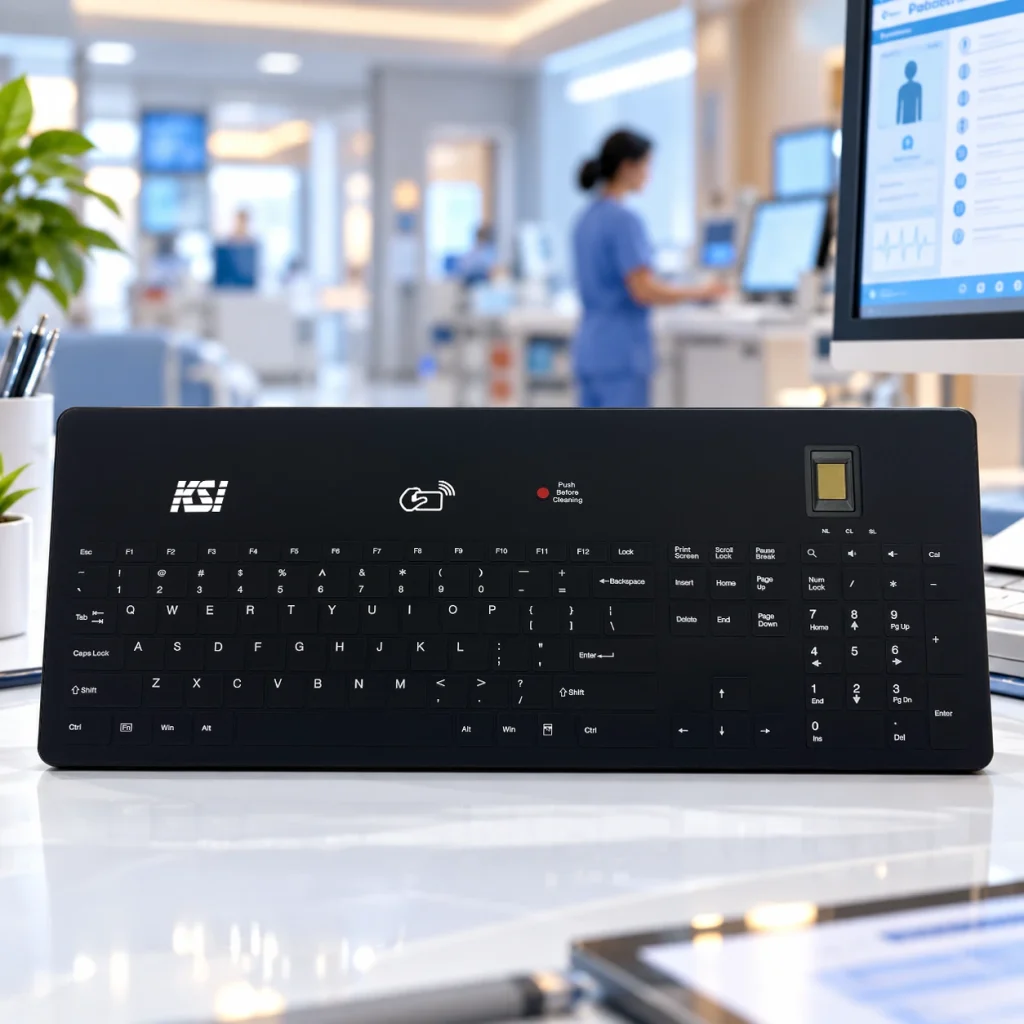
NEW PRODUCT! Discover the KSI-2400 with PresenceLock™ Human Presence Detection

Home › Features › Desktop Hygiene

Desktop Hygiene

KSI solutions are recognized for innovation, security, and practical design — supporting healthcare and enterprise environments where reliability and performance matter most.

Improve Desktop Hygiene Habits with LinkSmart and San-a-Key 

The LinkSmart® cleaning button and San-a-Key® software work together to facilitate routine cleaning of KSI keyboards through scheduled cleaning reminders and guided cleaning workflows. The system helps reduce cross-contamination at the desktop and, in the case of healthcare, helps to reduce Hospital-Acquired Infections.

Why Desktop Hygiene Matters

Shared Devices Deserve Attention

Keyboards, mice, touch surfaces, and shared workstations are among the most frequently touched items in many workplaces. Without a consistent cleaning process, routine maintenance can be easily overlooked.

LinkSmart with San-a-Key helps organizations promote regular cleaning habits by making the process simple, visible, and easy to follow.

1 in 31

Hospital patients affected by HAIs on any given day.
(CDC)

Millions

Of workdays lost annually to common respiratory illnesses.
(CDC)

Routine cleaning habits support workplace hygiene initiatives across healthcare, enterprise, education, manufacturing, banking, and other shared-workstation environments.

The Problem 

Cleaning Is Easy to Forget 

Users are focused on work, not cleaning schedules. 

Shared Devices
Accumulate Use 

Multiple users interact with the same equipment.

Inconsistent Processes 

Cleaning procedures vary from person to person. 

Devices Stay Active
During Cleaning 

Accidental keystrokes can occur during wipe-downs. 

No User Reminder
System 

Cleaning tasks often depend on memory. 

Habits Are
Difficult to Build 

Organizations need simple, repeatable workflows. 

How the LinkSmart with San-a-Key Desktop Hygiene System Works

STEP 1

San-a-Key reminder appears in user desktop tray. 

STEP 2

User presses LinkSmart button to temporarily disable input

STEP 3

A KSI keyboard schematic appears to guide user cleaning

STEP 4

User cleans keyboard with an approved wipe. Each onscreen key changes color in unison with user’s physical cleaning

STEP 5

Keyboard automatically returns to service once all keys are wiped

LinkSmart with San-a-Key 

A Complete Desktop Hygiene System 

Unlike solutions that simply disable keys, KSI combines hardware and software to create a repeatable, effective cleaning workflow. 

LinkSmart Cleaning Button 

A press of the integrated LinkSmart button disables keyboard input, allowing users to safely clean the keyboard without generating unintended keystrokes. 

A Complete Desktop Hygiene System 

San-a-Key software helps organizations encourage routine cleaning through scheduled reminders and on-screen guidance.    Together, the system reinforces consistent cleaning habits across shared workstations, promotes workplace wellness, and helps reduce cross-contamination at shared workstations. 

Why Organizations Choose KSI's Desktop Hygiene System 

Encourages Routine Cleaning 
Reduces Accidental Keystrokes 
Scheduled reminders help establish cleaning habits. 
Works alongside established workplace protocols. 
Simplifies User Participation 
Input is disabled during cleaning. 
Users follow a clear, guided process. 
Easy Deployment 
Supports Shared Workstations 
Software download available at no cost. 
Ideal for environments where multiple users share equipment. 
Complements Existing Cleaning Policies 

See the Desktop Hygiene System in Action 

Award-Winning LinkSmart with
San-a-Key®
10 Seconds to a Clean Keyboard

Products Featuring LinkSmart with San-a-Key 

Build Your Mobile Authentication Strategy 

Whether you’re deploying mobile credentials, hands-free authentication, RFID, biometrics, or multi-factor authentication, KSI can help identify the right solution for your environment. 

Frequently Asked Questions

What is San-a-Key software?
San-a-Key is companion software that helps promote routine keyboard cleaning through scheduled reminders and guided cleaning workflows with use of the LinkSmart cleaning button.

No. San-a-Key is available as a free software download for supported KSI products.

The LinkSmart button temporarily disables keyboard input so users can safely clean the keyboard without entering errant data.

No. San-a-Key software works only with KSI keyboards with an integrated LinkSmart cleaning button.

Yes. San-a-Key can provide scheduled onscreen reminders and desktop notifications, enterprise-wide, to encourage fast, routine cleaning with germicidal wipes.

No. The LinkSmart cleaning button works out of the box to disengage keys for cleaning upon a user pressing the button, however scheduled cleaning and pop-up reminders are not available without San-a-Key companion software.

No. While originally developed for healthcare environments, the LinkSmart with San-a-Key desktop hygiene system can benefit any workplace that wants to encourage routine device cleaning and promote workplace wellness.

KSI Full-Circle Session Security Ecosystem

From authentication to walkaway protection, KSI technologies help secure the entire user session across shared workstations and enterprise environments.